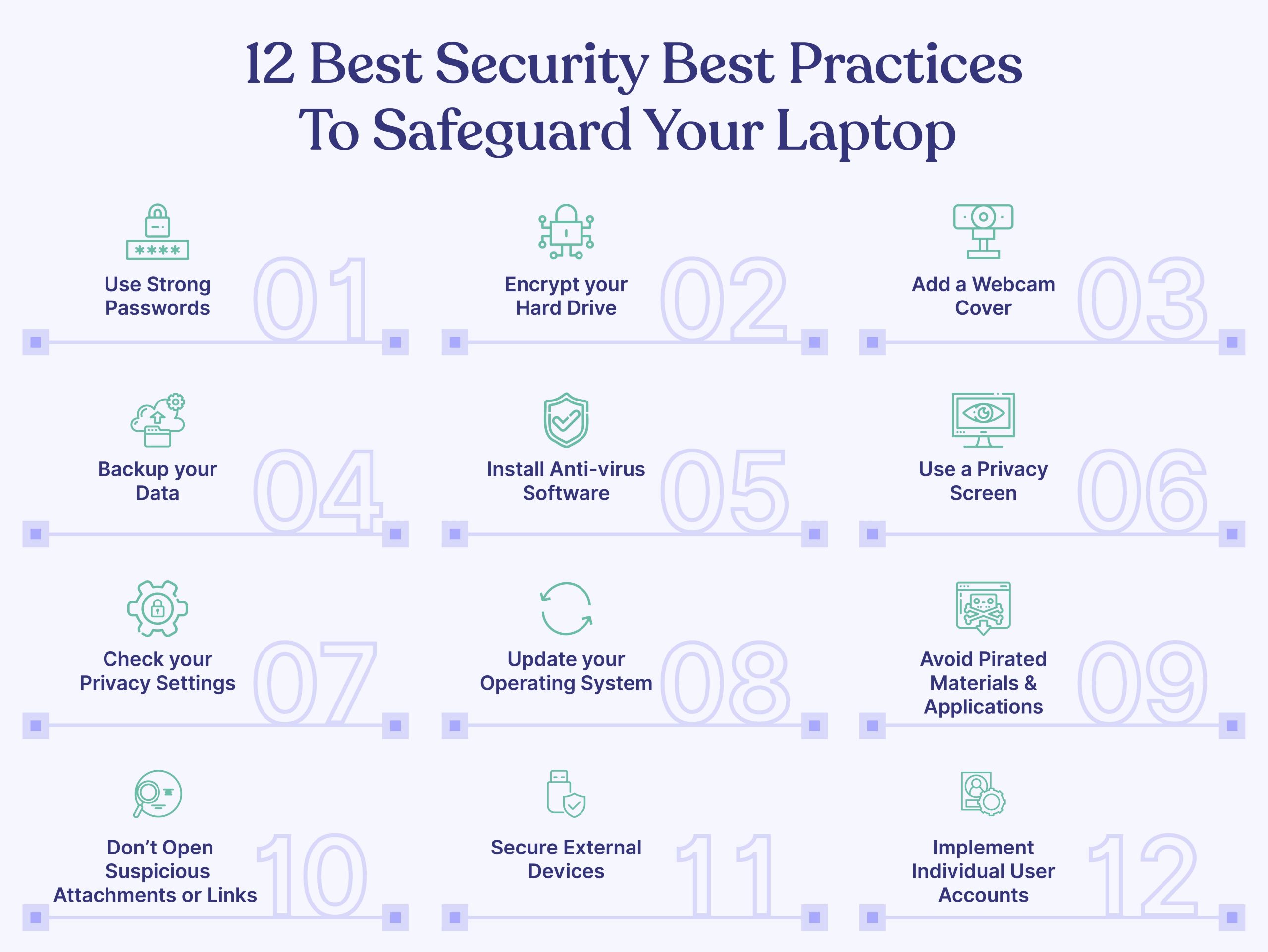
The following are 12 best practices to safeguard your laptop against security threats.
1. Use Strong Passwords
Using strong passwords is the first defense against unauthorized access. It is the fundamental step to reducing cyberattacks or v. Here are some critical reasons that emphasize the importance of using strong passwords,
- Prevents unauthorized access and misuse of files and personal information
- Mitigate brute force attacks as strong passwords have a mix of upper case, lower case, numbers, and symbols
- Reduce the risk of credential stuffing attacks and protects other accounts
A strong password must be,
- Length: It should consist of at least 8 characters, providing an increased complexity that makes it harder to crack.
- Variety: A strong password incorporates a combination of uppercase and lowercase letters, numbers, and special characters (e.g., #, $). This diverse mix adds a layer of complexity, making it more resistant to brute-force attacks.
- Unpredictability: Avoid using predictable information, such as your name, birth date, or common names associated with your organization. Hackers often exploit personal information to attempt unauthorized access.
- Unique: Never reuse passwords across multiple accounts. Each online platform or service should have a distinct and exclusive password. This practice prevents the compromise of multiple accounts if one password is compromised.
Additionally, here are some other recommended practices to follow while setting passwords,
- Regular Password Changes: It is advisable to change your passwords periodically. A common practice is to update passwords every 60 to 90 days. This practice helps minimize the potential impact of compromised credentials.
- Password Manager Usage: Utilize a trusted password manager tool to store your passwords securely. Avoid using unauthorized or unapproved tools that may not meet your organization’s IT security standards. Password managers provide a convenient and encrypted repository for storing and generating complex passwords.
- Enable Two-Factor Authentication (2FA): Whenever possible, enable two-factor authentication for your accounts. 2FA adds an extra layer of security by requiring an additional verification step, such as a unique code sent to your mobile device, in addition to your password.
- Avoid Storing Passwords on Mobiles or Notebooks: It is best practice to refrain from saving passwords on mobile devices or in physical notebooks. Storing passwords in these easily accessible mediums can increase the risk of unauthorized access if the device is lost, stolen, or compromised.
- Never Share Passwords: Under no circumstances should you share your passwords with anyone, including colleagues. Each individual should have their own unique set of credentials to maintain accountability and minimize the potential for unauthorized access.
2. Encrypt your Hard Drive
Encrypting your laptop’s hard drive is a powerful measure to safeguard your data, rendering it unreadable to unauthorized individuals without the encryption key or password. This robust security layer provides numerous benefits in protecting your information from hackers and other online threats. Let’s explore the advantages of encrypting your laptop hard drive:
Data Confidentiality: Encryption ensures the confidentiality of your data, even if your laptop falls into the wrong hands. By converting your data into an unreadable format, encryption prevents unauthorized access, maintaining the privacy of your sensitive information.
Prevention of Data Leakage: In the unfortunate event of laptop theft or a security breach, encrypted hard drive data remains secure. Without the encryption key or password, thieves or hackers are unable to access the encrypted content, significantly reducing the risk of data leakage.
Secure Data Disposal or Repurposing: When you plan to dispose of or repurpose your laptop, encrypted hard drive data offers peace of mind. By rendering the data unreadable, encryption ensures that even if the storage device is repurposed or falls into the wrong hands, your data remains protected.
To encrypt your laptop hard drive, you can utilize the following encryption options:
BitLocker Encryption: (Windows 10 Pro, Enterprise, and Education editions): BitLocker is a built-in encryption tool in Windows operating systems. It provides robust encryption for your laptop’s hard drive, protecting your data. Consult the documentation or Microsoft’s official resources for detailed instructions on enabling and configuring BitLocker encryption.
FileVault Encryption in macOS: FileVault is an encryption feature available in macOS. It encrypts the entire contents of your Mac’s hard drive, providing robust protection for your data. Refer to Apple’s documentation or official resources for step-by-step guidance on enabling and utilizing FileVault encryption.
By leveraging the encryption capabilities offered by BitLocker or FileVault, you strengthen your laptop’s security defenses, ensuring the confidentiality of your data, mitigating the risks of data breaches, and facilitating safe data disposal or repurposing.
3. Add a Webcam Cover
By employing a webcam cover, you establish a tangible defense against unauthorized spying, webcam hacking, and accidental camera activation. This proactive approach bolsters your privacy and preserves the confidentiality of your sensitive conversations, granting you the peace of mind you deserve in an increasingly interconnected world.
- Prevention of Unauthorized Spying and Webcam Hacking: A webcam cover acts as a physical barrier, preventing cybercriminals from gaining access to your laptop’s camera. It thwarts their attempts to remotely activate and spy on you, ensuring your privacy remains intact.
- Screen Capture Protection: Unintentional camera activation, whether due to malware or accidental triggers, can expose your screen and compromise sensitive information. A webcam cover provides an additional layer of protection by obstructing the camera’s view, safeguarding your screen from potential capture.
- Peace of Mind and Privacy Confidence: By using a webcam cover, you gain peace of mind, knowing that your camera is shielded from prying eyes. It alleviates concerns about potential privacy breaches, enabling you to use your laptop with increased confidence.
- Straightforward and Cost-Effective Solution: Applying a webcam cover is a simple, user-friendly solution that requires no technical expertise. It is an affordable and cost-effective way to enhance your privacy without compromising the functionality or aesthetics of your laptop.
4. Backup your Data
By incorporating regular backups into your digital habits, preferably at least once a week (or per your company’s policy), you establish a resilient data protection strategy. This practice not only safeguards against permanent data loss but also enables you to recover files, defend against security attacks, and mitigate the impact of hardware failures. Prioritizing backups ensures the long-term safety, accessibility, and integrity of your important files and information.
Let’s explore some compelling reasons why backing up your laptop’s data is crucial:
- Reduction of Permanent Data Loss: Accidental file deletion, system crashes, or hardware failures can result in permanent data loss. By maintaining regular backups, you create a safety net, enabling you to restore lost or corrupted files and preserving valuable data that would otherwise be irretrievable.
- File Recovery for Deleted or Overwritten Files: Backing up your laptop’s data allows you to recover files that have been accidentally deleted or overwritten. This capability ensures that important documents, photos, and other files can be retrieved even if they were unintentionally altered or removed.
- Protection against Security Attacks: Backing up your data serves as a defense against security attacks like malware and ransomware. In the unfortunate event of a cyberattack, where your files may be compromised or encrypted, having clean and uninfected copies stored in backups allows you to restore your system to a pre-attack state, minimizing the impact of such threats.
- File Retrieval in Case of Hardware Failure: Hardware failures, such as a malfunctioning hard drive, can result in data loss. Regular backups enable you to retrieve your files and restore your system to a new device or repaired hardware, reducing downtime and ensuring continuity of operations.
5. Install Anti-virus Software
Installing the right antivirus software on your laptop is a critical step in maintaining a secure digital environment. This powerful software provides a range of benefits that fortify your laptop’s defenses against viruses, malware, and other malicious threats. Let’s look at the advantages of having antivirus software installed:
- Real-time Scanning and Protection: Antivirus software actively scans your laptop in real time, swiftly detecting and blocking malicious files or actions before they can harm your system. This proactive approach ensures that threats are intercepted and neutralized, preventing potential damage to your laptop and data.
- Robust Web Protection: Antivirus software offers robust web protection, safeguarding you against malicious websites, phishing attempts, and dangerous downloads. It acts as a shield, warning you of potential threats and preventing you from accessing harmful online content.
- Optimization of Laptop Performance: Many antivirus programs include system optimization features, such as removing unnecessary files and system clutter. This optimization process enhances your laptop’s performance by freeing up valuable storage space and improving overall speed and responsiveness.
- Identification of Outdated Software and Vulnerabilities: Antivirus software helps identify outdated software versions, missing security patches, or weak configurations that can leave your laptop vulnerable to cyberattacks. By flagging these vulnerabilities, it allows you to take the necessary steps to update and strengthen your system’s security posture.
- Email Attachment Scanning: Antivirus software scans email attachments for malware, protecting you from potential infections that can be introduced through malicious attachments. This feature provides an additional layer of security when dealing with email communications and attachments.
When selecting antivirus software for your laptop, it’s important to consider several key features and factors to ensure optimal protection and performance. Here are some essential aspects to look for:
- Reputable Providers: Purchase antivirus software from reputable providers with a solid track record. Conduct thorough research by reading online reviews and user feedback to gauge the software’s effectiveness, reliability, and customer satisfaction.
- Essential Features: Look for antivirus software that offers crucial features, including real-time scanning, automatic updates, email protection, web browsing protection, and a firewall. These features work together to detect and block threats across various entry points.
- Additional Features: Consider whether the antivirus software offers additional features that can enhance your overall security posture, such as password managers and virtual private networks (VPNs). These supplementary tools provide added layers of protection for your online activities.
- Performance Impact: Assess the impact of the antivirus software on your laptop’s performance. While antivirus programs are designed to protect your system, some software may have a significant impact on system resources. Look for software that strikes a balance between robust protection and minimal performance impact.
- Regular Updates: Regular updates are crucial to keep your antivirus software up to date with the latest virus definitions and security patches. Ensure that the software you choose provides frequent and timely updates to protect against emerging threats.
- Certifications: Verify if the software provider has obtained certifications from reputable organizations like AV-TEST, AV-Comparatives, or SE Labs. These certifications validate the software’s efficacy and independent testing against various malware samples.
6. Use a Privacy Screen
By incorporating a privacy screen for your laptop, you proactively protect sensitive data, gain confidence in public spaces, and enhance privacy during collaborative work.
A privacy screen or privacy filter is a thin piece of plastic that covers your laptop’s display panel. Including a privacy screen on your laptop offers the following advantages,
- Protection of Sensitive Data: A privacy screen limits the viewing angle of your laptop’s display, making it difficult for others to see the contents of your screen from different angles. This safeguard ensures that sensitive information, such as confidential documents, financial data, or personal communications, remains concealed from prying eyes.
- Confidence in Public Spaces: Using a laptop in public places like coffee shops, airports, or co-working spaces can expose your screen to potential visual hackers. By incorporating a privacy screen, you can work with confidence, knowing that your screen is shielded from the view of nearby individuals, preventing unauthorized access to your sensitive information.
- Enhanced Privacy during Collaborative Work: In scenarios where you may need to collaborate with colleagues or discuss confidential matters, a privacy screen adds an extra layer of privacy. It allows you to focus on your work without worrying about unintentionally exposing sensitive information to individuals around you.
- Protection against Shoulder Surfing: Shoulder surfing refers to the act of someone covertly looking over your shoulder to obtain sensitive information from your screen. By using a privacy screen, you thwart shoulder surfers and prevent them from gaining access to your confidential data, preserving your privacy and security.
- Flexible and Removable Solution: Privacy screens are typically designed to be easily attachable and removable. You can easily place the screen on your laptop’s display when needed and remove it when privacy is less of a concern. This flexibility allows you to adapt to different environments and maintain control over your privacy.
7. Check your Privacy Settings
Taking the time to review and adjust your laptop’s privacy settings is a fundamental step in bolstering the security of your device and protecting your personal information. This proactive approach empowers you with greater control over how your data is collected, used, and shared by various applications.
- Control over Data Collection and Usage: By delving into your laptop’s privacy settings, you can exercise control over how your data is collected, used, and shared by different applications. Adjusting these settings allows you to determine which apps have access to sensitive information such as your location, microphone, camera, contacts, and more. This customization ensures that your personal data is shared only with trusted applications and minimizes the risk of unauthorized data usage.
- Protection against Online Tracking and Profiling: Privacy settings enable you to safeguard yourself from online tracking and profiling by limiting the amount of data collected about your browsing habits. By adjusting these settings, you can minimize the tracking of your online activities, which helps protect your privacy and mitigate the risk of targeted advertising or data profiling.
- Strengthening Laptop Security: Privacy settings encompass more than just data sharing. They also encompass login options, password requirements, and screen lock timeouts. By configuring these settings appropriately, you enhance the security of your laptop. Setting up strong login options, enforcing robust password requirements, and implementing screen lock timeouts provide additional layers of protection against unauthorized access and potential data breaches.
8. Update your Operating System
By regularly upgrading your Operating System (OS), you protect your laptop against security threats, improve speed and stability, ensure compatibility with the latest software and hardware, and enjoy an enhanced user experience. Embracing OS updates keeps your laptop up to date with the latest advancements, empowering you to make the most of your device’s capabilities while maintaining a secure and efficient computing environment.
Some major benefits of upgrading your OS include,
- Protection against Malware and Cybersecurity Threats: OS updates often include patches that address existing security vulnerabilities and fix bugs. By regularly upgrading your OS, you ensure that your laptop remains equipped with the latest security measures, protecting against malware, hackers, and other cybersecurity threats. This proactive approach reduces the risk of unauthorized access, data breaches, and other malicious activities.
- Improved Speed and Stability: OS updates often include performance enhancements and optimizations that can significantly improve the overall speed and stability of your laptop. These updates streamline system processes, optimize resource allocation, and address software inefficiencies, resulting in a smoother and more responsive user experience.
- Compatibility with Latest Software and Hardware: As technology advances, new software and hardware products are introduced to the market. Upgrading your OS ensures compatibility with the latest software applications and hardware devices. By staying up to date, you can take full advantage of new features, capabilities, and improvements offered by the latest software and hardware offerings.
- Enhanced User Experience: OS updates often introduce new features and functionalities that enhance the user experience. These updates can include improvements in user interface design, accessibility options, productivity tools, and multimedia capabilities. Upgrading your OS allows you to enjoy a more efficient, intuitive, and enjoyable computing experience.
- Removal of Obsolete Features: OS updates also remove obsolete features from your device. This declutters your system and frees up valuable storage space, leading to improved performance and a more streamlined user interface.
Update your programs, browser, and laptop security software
It is important to update your programs, browser, and laptop security software on a regular basis. Most software will automatically check for updates and install them for you. However, you should also check manually for updates on a regular basis to make sure that you are always using the latest version.
Programs: Programs like Microsoft Office, Adobe Photoshop, and Google Chrome are constantly being updated with new features and security patches. By keeping your programs up to date, you can ensure that you are using the latest version with the most up-to-date security features.
Browser: Your web browser is one of the most important programs on your computer. It is used to access websites, download files, and interact with the internet. By keeping your browser up to date, you can help to protect yourself from malware and other attacks that can be delivered through websites.
Laptop security software: Laptop security software like antivirus and anti-malware programs are essential for protecting your computer from malware and other threats. By keeping your laptop security software up to date, you can ensure that it is up to date with the latest threats and can protect your computer from them.
9. Avoid Pirated Materials & Applications
It is crucial to avoid engaging with pirated materials, including movies, music, books, or applications, for various reasons. Here’s why:
Protection against Malware and Security Threats: Pirated materials are commonly distributed through unofficial and unregulated channels, which increases the risk of downloading malware, viruses, ransomware, and other security threats. These unauthorized sources may embed malicious code within the files, compromising the security of your laptop and putting your data at risk. By avoiding pirated materials, you can mitigate these security threats and protect your system from potential harm.
Legal Consequences and Copyright Infringement: Engaging in the unauthorized downloading, distribution, or sharing of copyrighted materials violates copyright laws and can result in legal actions and fines. Copyright holders actively monitor piracy activities to protect their rights and financial interests. By respecting copyright laws and obtaining materials through legal channels, you support a fair and sustainable creative ecosystem.
10. Don’t Open Suspicious Attachments or Links
To ensure the protection of your laptop, it is essential to exercise caution when encountering suspicious attachments or links. Avoid opening attachments or clicking on links from unknown or untrusted sources, as they can lead to various security risks, including:
- Malware Infections: Opening malicious attachments or clicking on infected links can result in malware infections that compromise your system’s security and functionality.
- Phishing Attacks: Suspicious attachments or links may be part of phishing attempts, where cybercriminals impersonate trusted entities to deceive you into revealing sensitive information, such as passwords or financial details.
- Identity Theft: Attachments or links can be used as entry points for identity theft schemes, where attackers steal personal information for fraudulent purposes.
- Social Engineering Attacks: Cybercriminals may exploit human vulnerabilities through social engineering techniques, manipulating individuals into taking specific actions that could compromise their systems or provide unauthorized access.
11. Secure External Devices
When connecting external devices, such as pen drives, to your laptop, it is crucial to exercise caution and prioritize safety. Here are important reasons why you should be mindful:
- Malware and Virus Risks: External devices can carry malware or viruses that can compromise your data, privacy, and overall system security. These malicious entities may infect your laptop when files from the external device are accessed.
- Unauthorized Access: Connecting untrusted external devices can serve as an entry point for unauthorized access to your laptop. Intruders may exploit vulnerabilities or gain unauthorized control over your system, compromising sensitive information.
- Hardware Damage and Power Surges: In some cases, external devices can cause hardware damage or power surges. Faulty or improperly designed devices may negatively impact your laptop’s components or disrupt its power supply.
- Auto-Run or Auto-Play Risks: External devices with auto-run or auto-play functionality pose a risk. They can automatically trigger the execution of malicious code upon connection, potentially infecting your system without your knowledge.
To mitigate these risks, always connect external devices from trusted sources. Before accessing any files, scan the external device with reliable antivirus software to detect and eliminate any potential threats. By taking these precautions, you can safeguard your laptop and protect your data from external device-related vulnerabilities.
12. Implement Individual User Accounts
Implementing separate user accounts on your laptop offers numerous benefits, including privacy, data separation, and personalized experiences for each user. By maintaining different user accounts for individuals accessing the laptop, you can enjoy the following advantages:
- Privacy and Personalization: Each user can have their own customized settings, preferences, and desktop backgrounds, ensuring a personalized experience while maintaining their privacy.
- Separate Storage Areas: User accounts provide distinct storage areas for files, documents, and data. This segregation helps organize and protect sensitive information, reducing the risk of accidental data loss or unauthorized access.
- Restricted Administrative Privileges: Assigning user accounts with appropriate access levels helps mitigate security risks. By restricting administrative privileges to trusted individuals, you reduce the chances of critical system settings being altered or compromised.